
Can I use Fathom to record in-person meetings?
It depends on which Fathom experience you're on!
New bot-free experience: In-person meeting capture is coming soon as part of Fathom for iOS! The iOS app will let you record in-person meetings directly from your phone, so you won't need a Zoom or Meet link.
Previous experience (bot-based): Fathom is currently designed to work with online meetings on Zoom, Google Meet, and Microsoft Teams using a standard meeting link. In-person meetings aren't supported in the previous experience.
✅ Workaround for In-Person Meetings (Previous Experience)
From your Mac or Windows computer, start a meeting on Zoom (or your preferred supported platform).
Invite Fathom to the meeting.
In the Fathom Panel, click "Skip & Start Recording Now" to begin the recording.
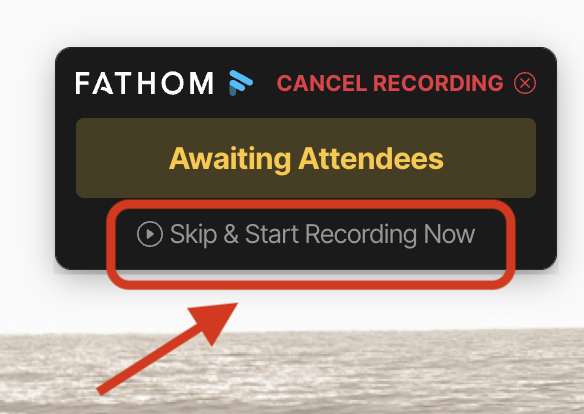
Make sure your laptop is positioned so that it can clearly capture the audio in the room.
⚠️ Please note:
Fathom cannot distinguish between multiple speakers in the same physical room. All audio will be attributed to the Fathom user's name in the transcript and summary.
This workaround is not ideal for large in-person meetings or conferences.