Downloading the Recording
Currently, you can download your recordings in MP4 format, but MP3 download options will be available soon.
How to Download Your Recordings
Go to your Fathom Dashboard and select the meeting you want to download.
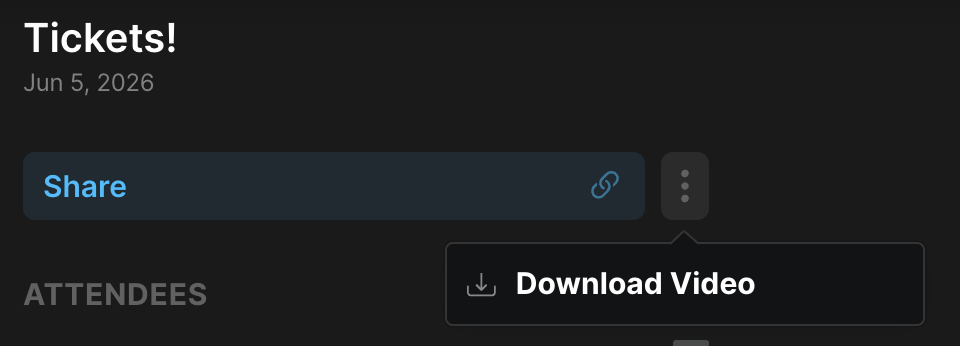
Click on the three dots and select "Download Video."
Your video will be saved as a file on your local computer, and it will be named after the meeting title.
Downloading a Shared Call
If someone has shared a call with you, you can also download it directly from the shared link.
Open the shared call link sent to you.
Click on the three dots (⋯) in the upper right corner of the call page.
Select "Download Video."
The recording will be saved as an MP4 file on your local computer.
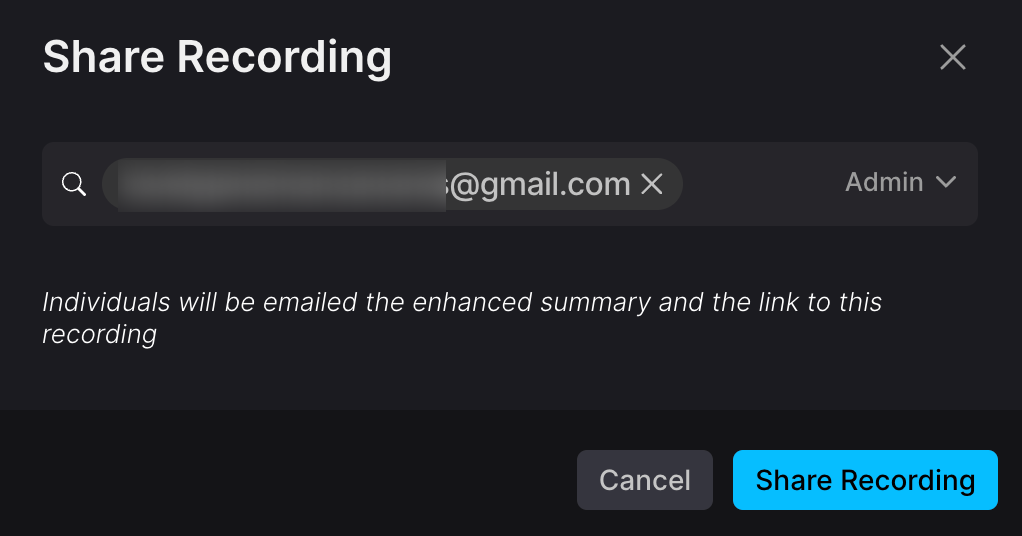
Note: To download a shared call, you'll need to have standard or admin access granted by the call owner. If you don't see the download option, reach out to the person who shared the call and ask them to grant you admin access.