
Using Account-Wide Ask Fathom
Account-Wide Ask Fathom lets you ask questions across your meetings, not just one call at a time. It is available with unlimited meeting history access across all plans. Usage limits may apply to Free plans starting November 2026.
For users on Team plans, use the dropdown to choose which calls Ask Fathom searches:
My Calls: Calls in your personal call library that you have access to.
Team Calls: Team calls that are visible to you based on your organization’s sharing and visibility settings.
All Calls: Both My Calls and Team Calls that you have permission to access.
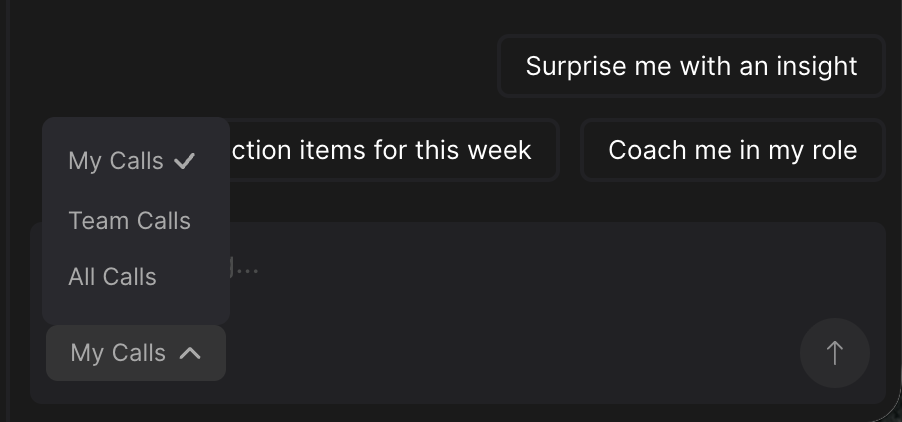
Ask Fathom will only search meetings you’re allowed to view. Selecting All Calls does not provide access to private or otherwise restricted meetings. The dropdown selection determines the search scope, regardless of whether you opened Ask Fathom from the My Calls or Team Calls page.
Note: Free and Premium users won’t see the context dropdown because they can only search My Calls.
Watch the video demo below to see how Account Wide Ask Fathom works.